Free
€0
- Up to 3 people
- 1,000 records · 500 MB of media
- All field types, rules and calculations
- Offline capture and sync
- Issues, jobs and stock
- Import, export and PDF reports
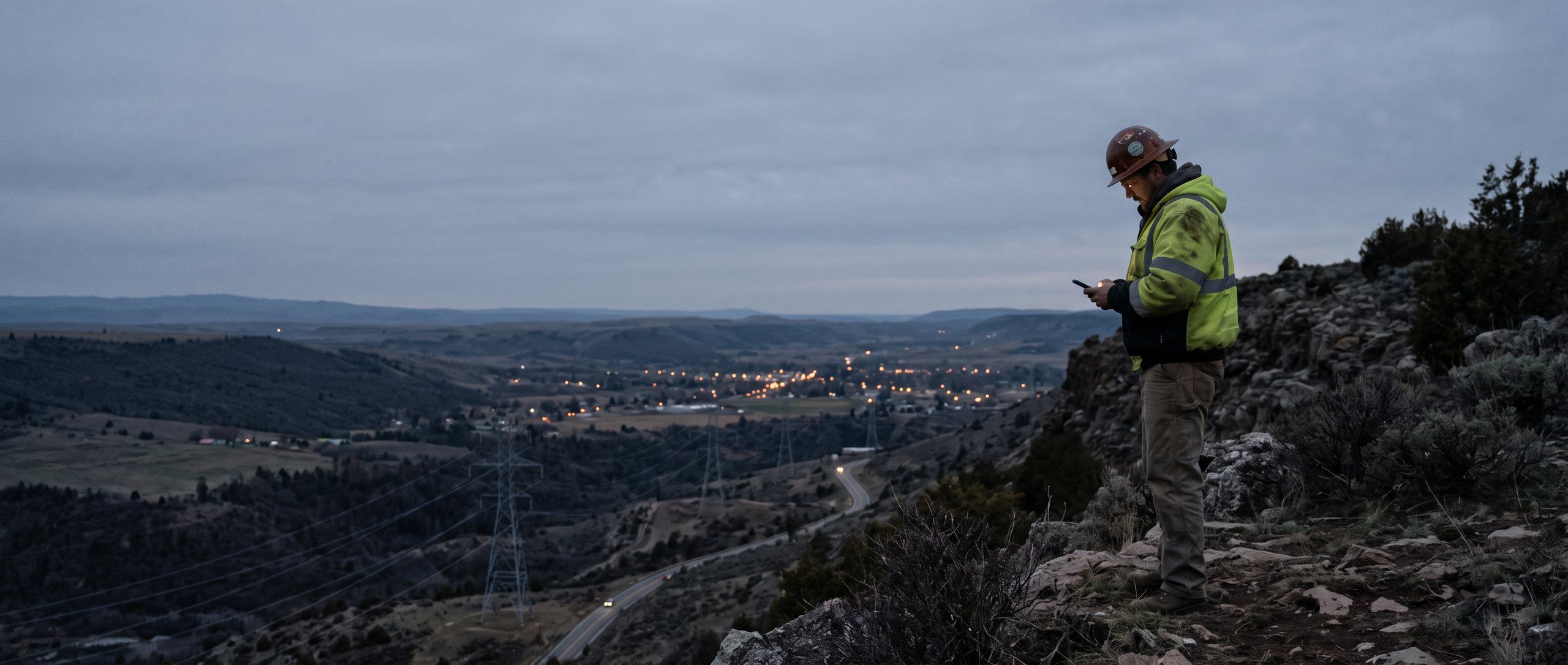
Works offline
Monofield turns your phone into a field notebook: design your own form, capture data with photos, maps and location even without signal, and share clean PDF reports with your team.
iPhone · Android · Web · EN · ES · DE · FR
Who it is for
The same app and the same forms, from the substation to the warehouse.
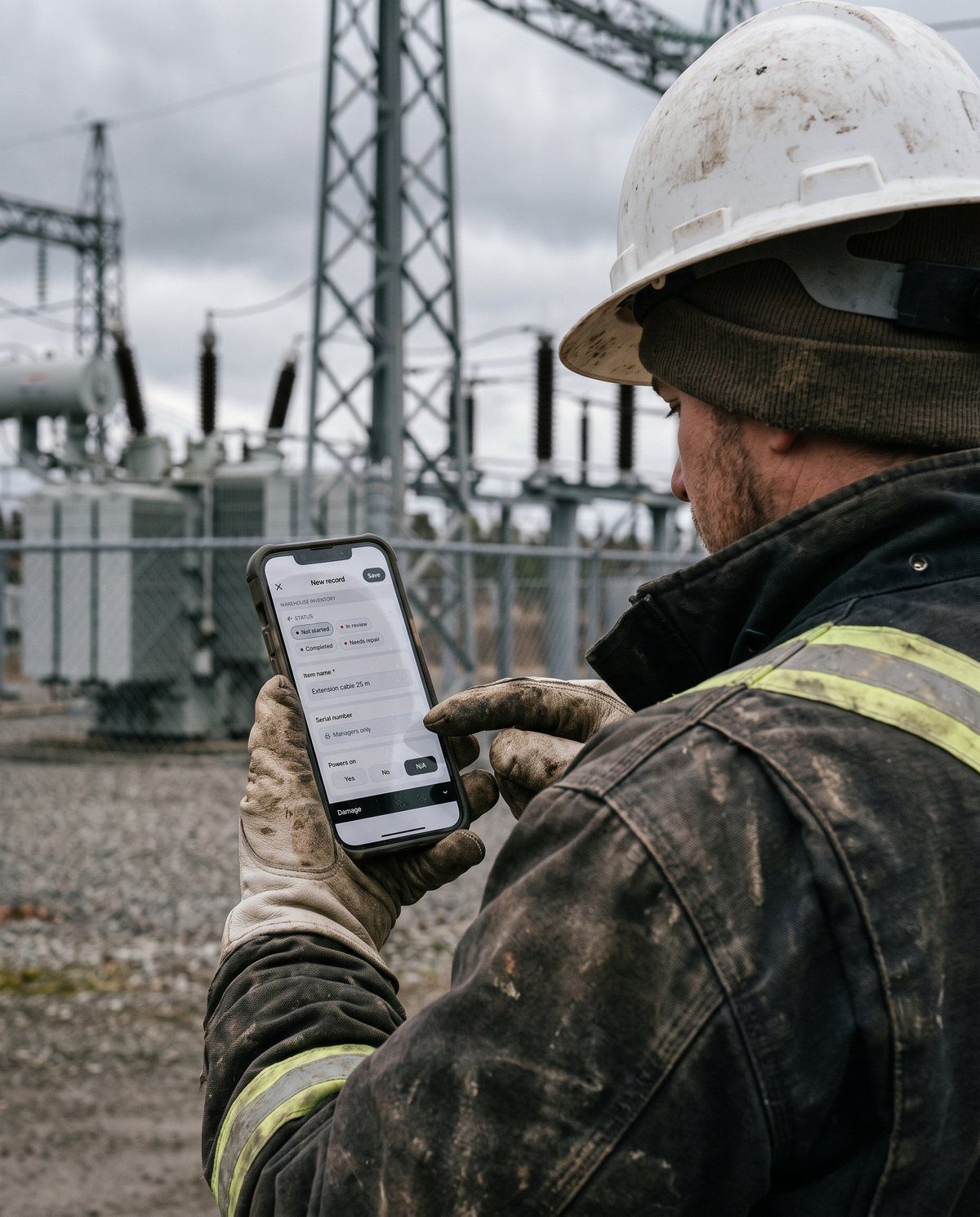
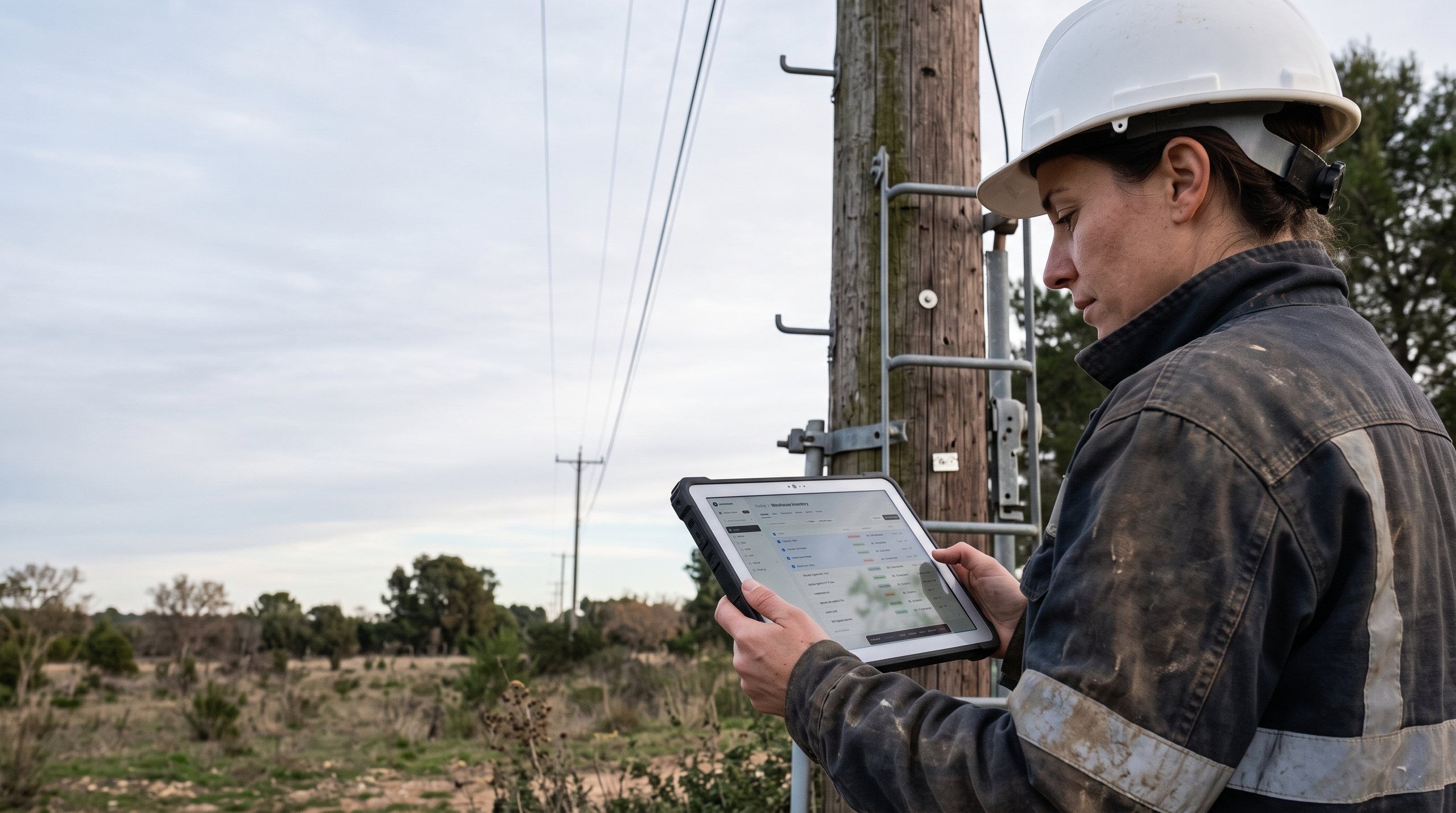
Poles, lines and substations, with RTK GNSS, snapping and your network as a map layer.

Hydrants, valves and meters on the map, and routes for meter reading.
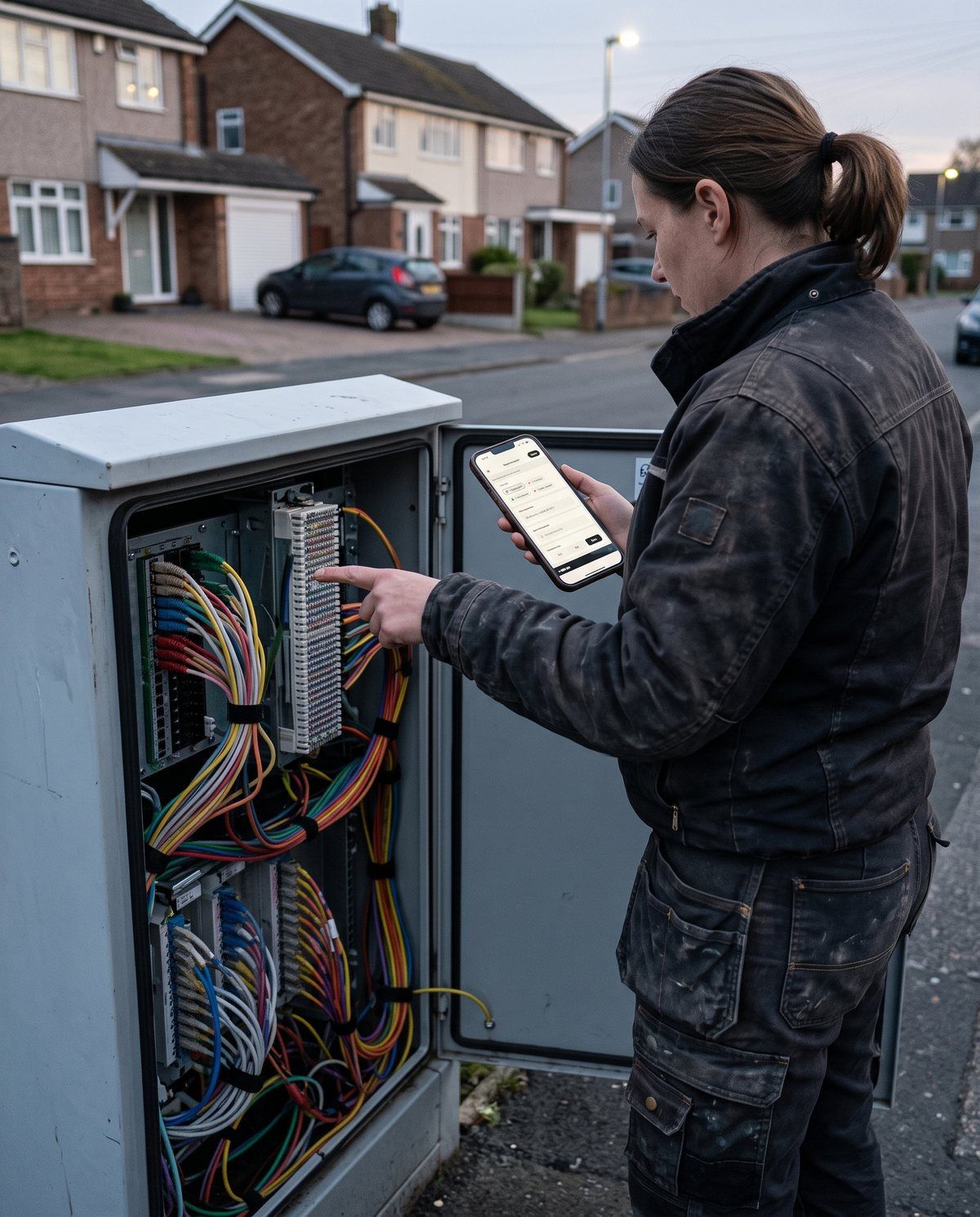
Cabinets, ducts and towers, with photos, sketches and ArcGIS or WFS layers.

Daily site reports, inspections and sign-offs with photos and a signature.
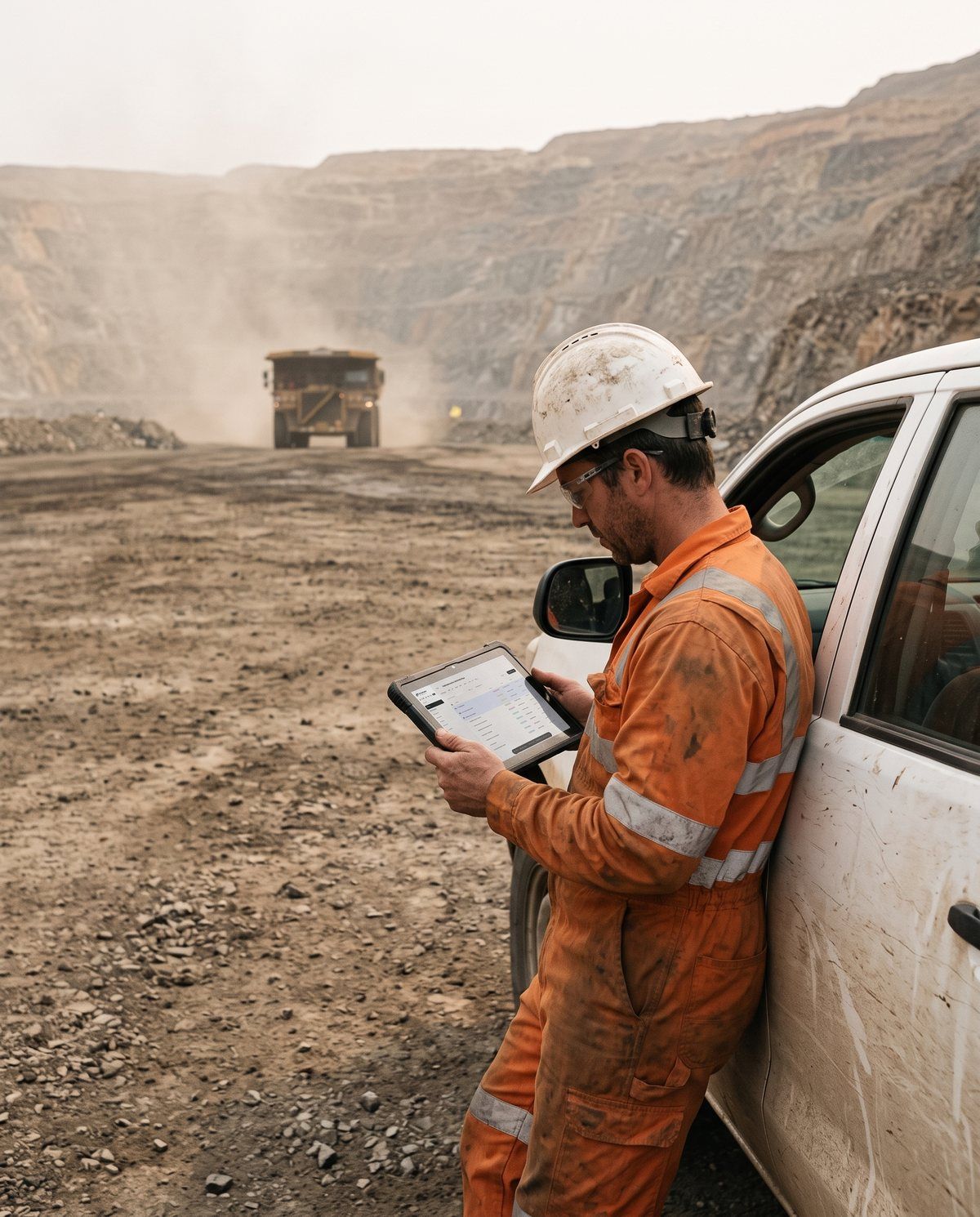
Safety audits and equipment checks, offline in the pit and synced once back in range.
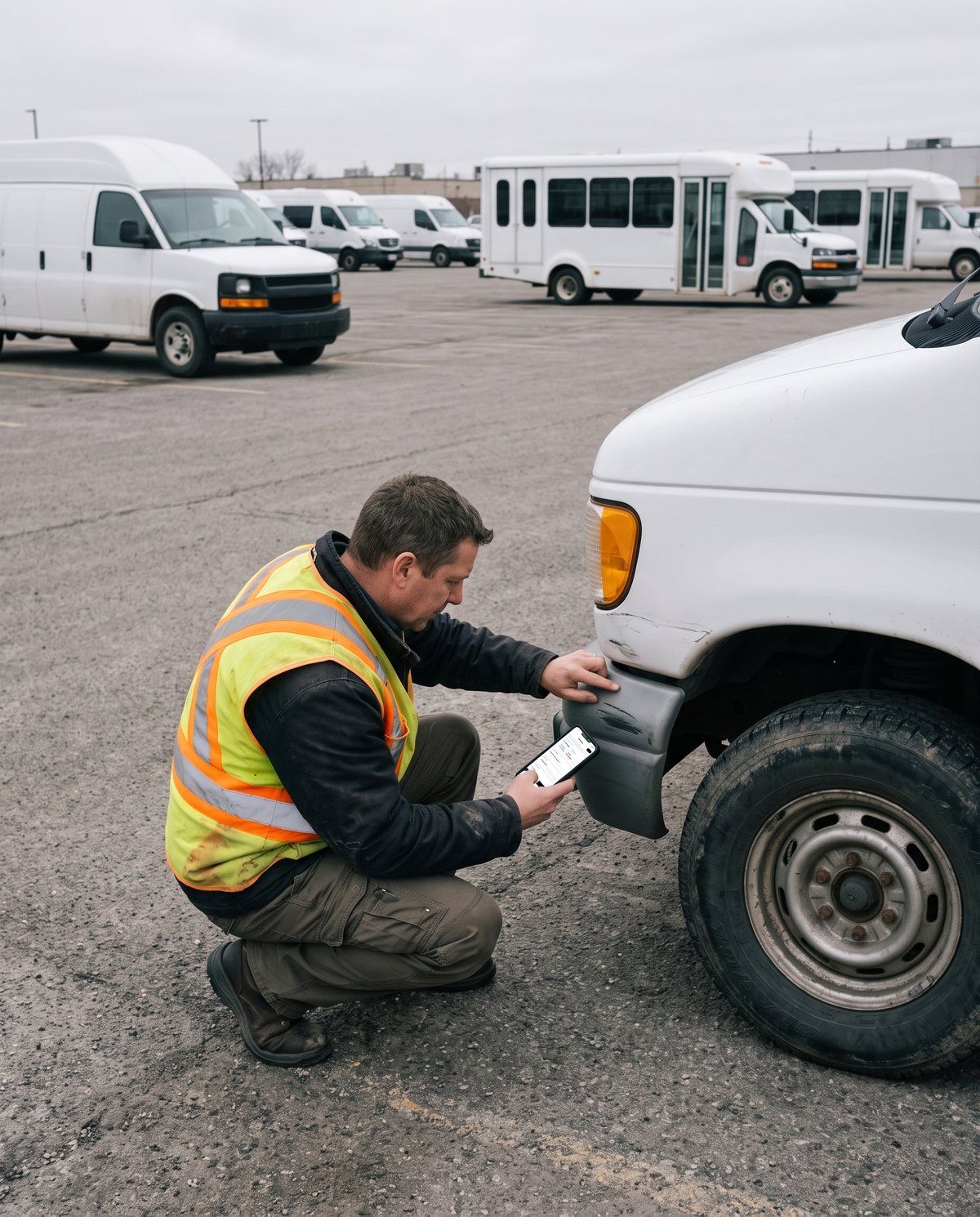
Vehicle inspections with photos, damage marked on a vehicle outline and the driver’s signature.

Stock by location, blind counts and QR or NFC labels that open the item.
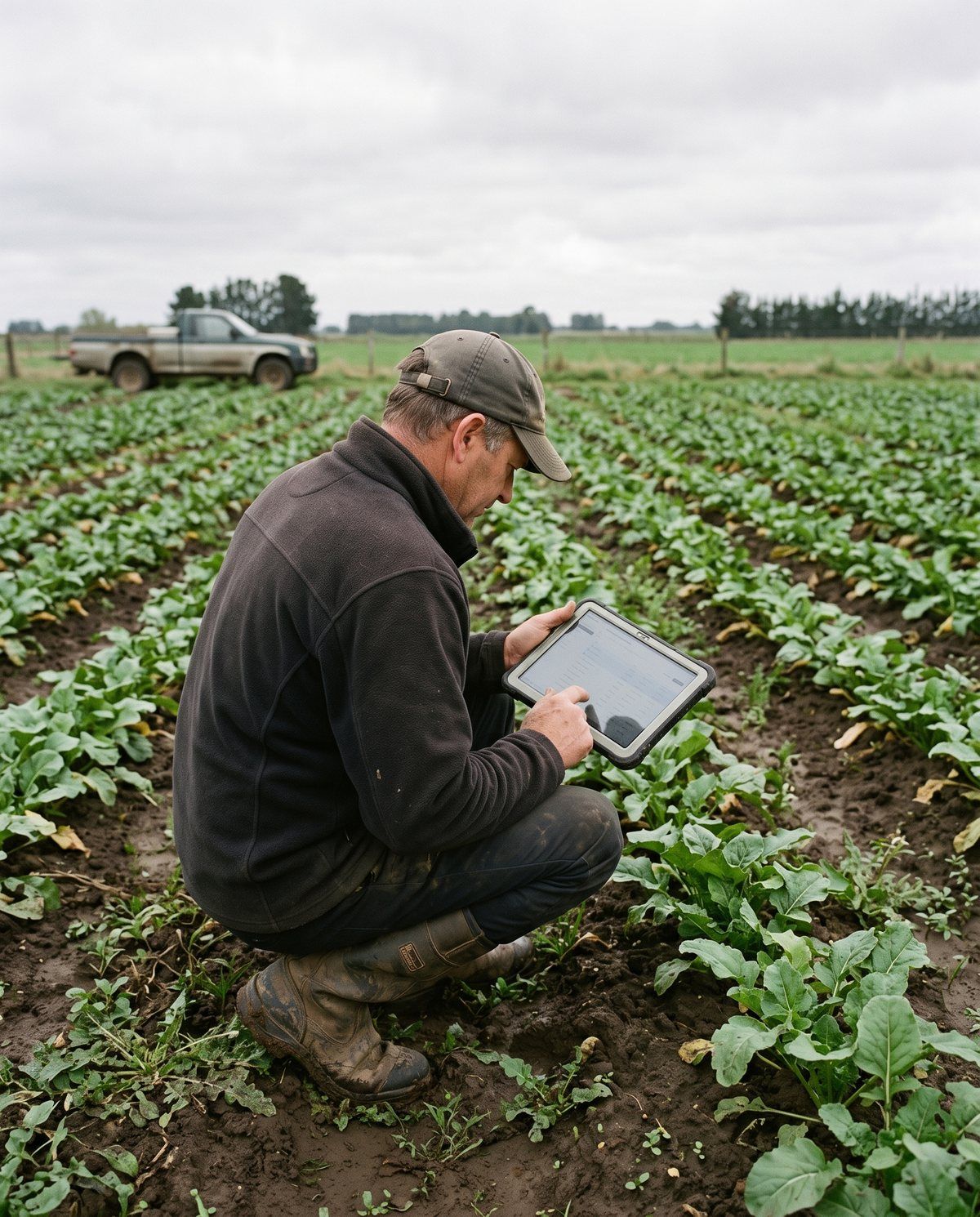
Farm visits with points, polygons and photos, even without signal.
26 field types, smart rules, real GIS, jobs and stock — in an app simple enough for everyone on your crew.
Sections, rules, calculations and repeatable groups, built with your thumb and published when ready. On Team, AI can draft it from a description or a file.
Records, photos and locations keep working with no signal and sync on their own later. Every version stays in the history. On Team, map areas and layers go offline too.
Points, lines and polygons with RTK GNSS receivers, snapping, your own coordinate system, and ArcGIS, WFS and MBTiles layers. Designed for a million assets per form.
Report issues, plan jobs on a calendar and run routes. On Team, add SLAs, time tracking and preventive maintenance per asset.
Stock by location from in, out and transfer movements, blind counts with reconciliation, and QR or NFC labels that open the item.
Owner, Manager, Field crew, Data collector and Viewer. Share each form with the whole team or with specific people. On Team, clients get their own portal.
Watermarked evidence, automatic face blur, sketches on photos and signatures with the signer’s name. On Team, AI fills fields from a photo.
When something happens: email, notify, assign, update fields, create records or call a webhook. REST API and Google Sheets included.
A dashboard for each form, a summary of your team’s activity, and PDF report templates ready to send to clients — with your logo on Team.
How it works
Add fields and sections, set what is required and when a field shows up. On Team, describe it and let AI draft it for you.
One record per thing you count or check: photos, points, lines and polygons, with or without signal.
It syncs to the web and your team on its own. Export to Excel or your GIS, or send a PDF.
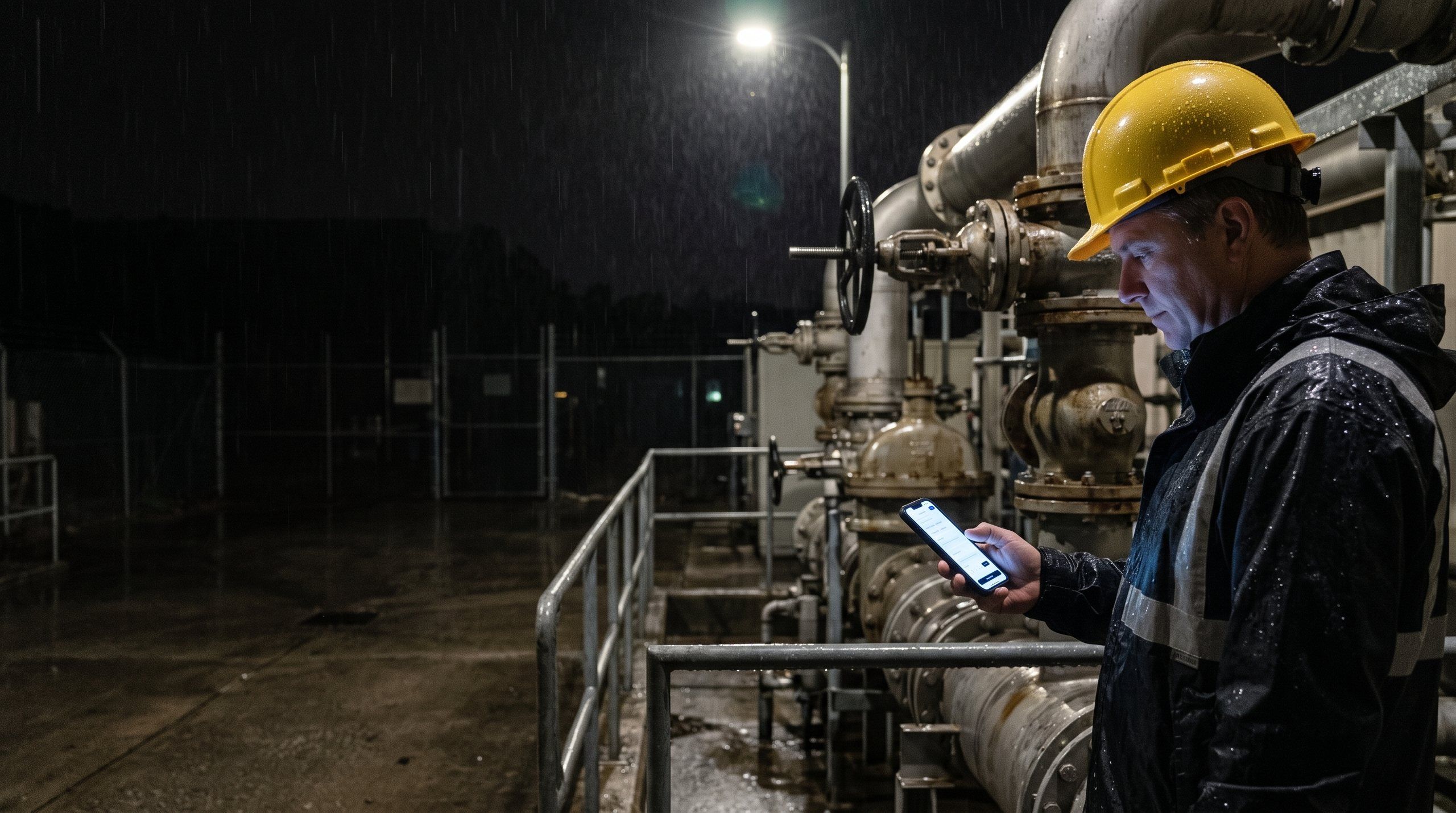
Sync
Every record is saved on your phone first. When the connection comes back, Monofield sends it on its own — videos and audio wait for Wi-Fi by default.
Two people changed the same record? The latest change wins, and every version stays in the history so nothing is lost.
Search, filter and review what comes in from the field. Each form has its own records, map, dashboard and reports.
Pricing
Sign in with email, Google, Apple or Microsoft. Your data stays in the EU.
€0
For teams
€15 per person / month
or €150 per person / year — 2 months free · no minimum seats
No card needed. Afterwards you go back to Free without losing anything.
Let’s talk
Yes. Records, photos and locations are saved on the phone and sync on their own when you are back online. With Team you can also download map areas.
The latest change wins. Every version is kept in the record history, so anyone who can edit the record can restore an earlier one.
Yes. Add, rename or reorder fields at any time. Removing a field deletes its data, and Monofield tells you how many records are affected before you confirm.
Five roles — Owner, Manager, Field crew, Data collector and Viewer — and each form can be shared with the whole team or with specific people.
Yes: RTK GNSS receivers with fix quality, snapping to your network, your own coordinate system, ArcGIS and WFS layers, routes for meter reading and, on Team, lone-worker check-ins. Designed for a million assets per form.
Import and export GeoJSON, KML, Shapefile, GeoPackage and GPX, plus CSV and Excel. Coordinates are stored in WGS84.
English, Spanish, German and French. The app follows your phone’s language and you can change it in Settings.